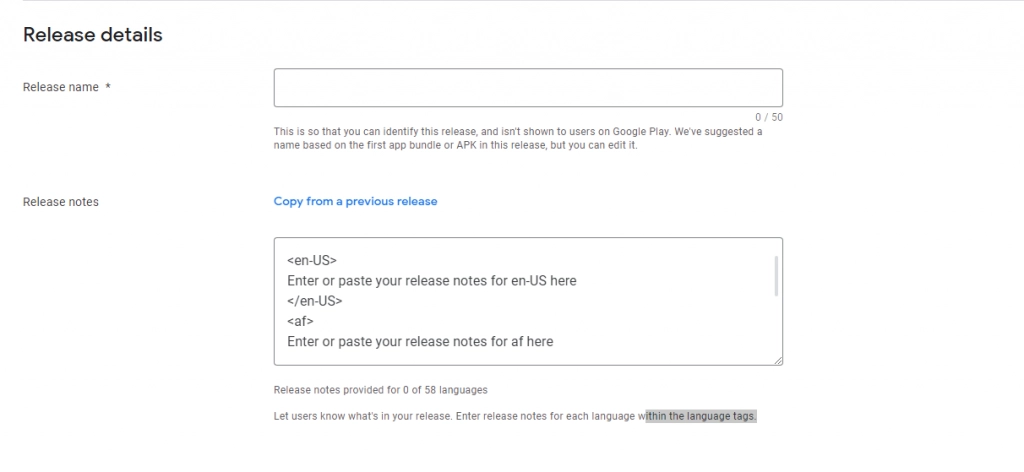
Creating release notes is an integral part of the Android release process in the Google Play Console. For each upload of a new app version to the Google Play console, among other things, a textual description of the version is required. This change history can be up to 500 characters long and is required for each language in which the app descriptions are set. You don’t have to provide languages you don’t have configured within Google Play Console.
Nevertheless, preparing this description takes some time.
Requirement
The creation of a text description of a new app includes:
- New features
- Bug fixes
- Improvements
- Changes
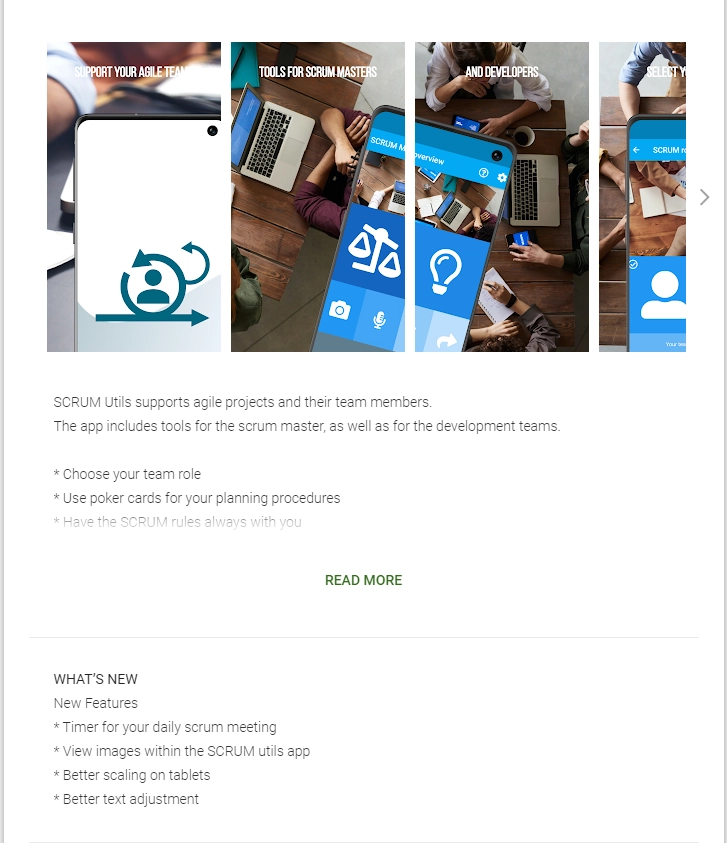
The description should make existing users aware of the changes and give potential users a good feeling for using the app.
I.e. it should show that:
- The app is constantly being developed
- The app is maintained
- User requirements or wishes are being implemented
Tags enclose the description of a language with locals:
<fr-FR>
Version 22.02b
* Nouveaux personnages
* Nouveaux niveaux
* Balance ajustée
* Correction de bugs
</fr-FR>

<ar>
الإصدار 22.02 ب
* شخصيات جديدة
* مستويات جديدة
* الرصيد المعدل
* إصلاح الأخطاء
</ar>

<hy-AM>
Տարբերակ 22.02b
* Նոր կերպարներ
* Նոր մակարդակներ
* Կարգավորված մնացորդ
* Սխալ սխալներ
</hy-AM>

<fi-FI>
Versio 22.02b
* Uudet merkit
* Uudet tasot
* Säädetty tasapaino
* Korjattu vikoja
</fi-FI>
The challenge now is to create all the texts in a reasonable way:
- Translate all descriptions
- Create the required format
- Perform x times the same recurring steps
- Provide information about changes which are relevant
- Use language which is understood by your users
Procedure
First of all, write your release notes. Start with your key details. What are the main, most important, and most relevant news? Write it interesting and easy to capture for your potential users.
Be specific and keep it straightforward. No one will read or expect a huge amount of text or long sentences. Provide some contact information within the text and encourage users to participate with feedback and suggestions for the next release.
Second, translate your description. Of course, human-based translation always wins in case of quality. See your colleagues, relatives, or other people in your surroundings assist you. If you have the budget, hire professionals. If not, of course, the automatic translation will do it. Usually, the quality of automatic translation is good and sufficient for short, concise sentences.
Third, take a text-editor of your choice and start to copy all translated content to its place. You can copy the skeleton directly from the Google Play Console or from here:
Finally copy everything to the Play Console and you are good to go.
Best practice
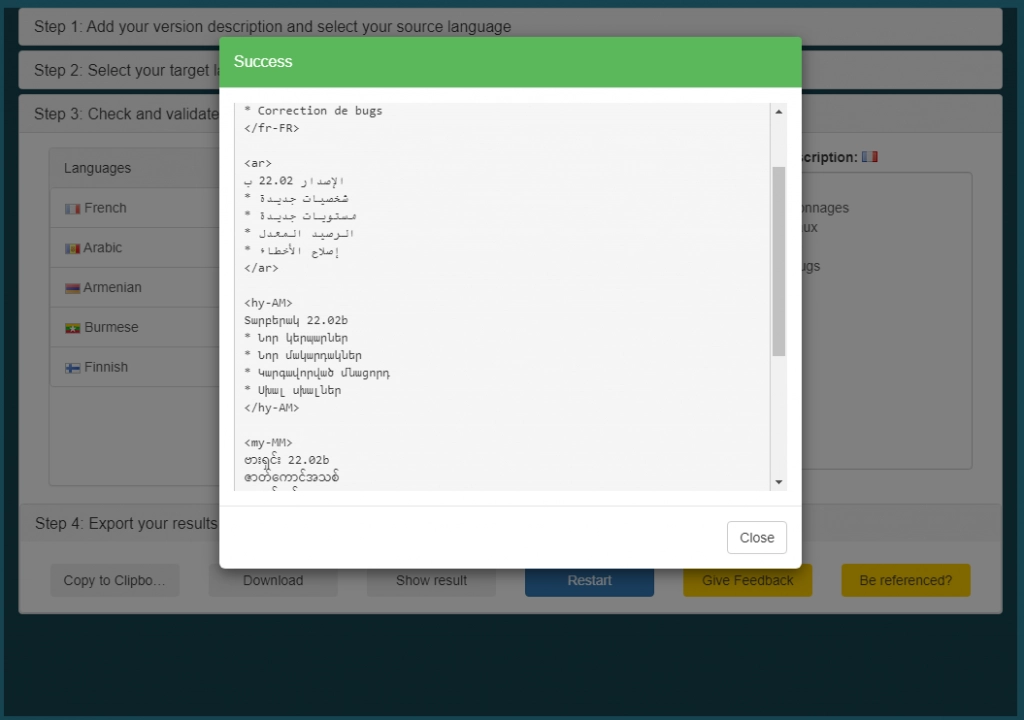
If you are updating your apps frequently and like to automate some tasks. E.g. the translation and the formatting, then the Android Release Notes Creator is a good choice for you.
The Release Notes Creator takes your basic release descriptions, allows you to select your target languages (the languages set and configured in the Google Play Console), and translates everything for you.
The formatted result is ready for copy & paste to the Play Console.
Create Android release notes – conclusion
Release Notes are more than just a few annoying lines of text. Take advantage of the opportunities and show that your apps are evolving.
Try to involve users and make it transparent that customer wishes are welcome and will be taken into account. A tool like the Android Release Notes Creator assists you to create Android release notes quickly.
Check it out and see if you can reach more users and generate more downloads.